
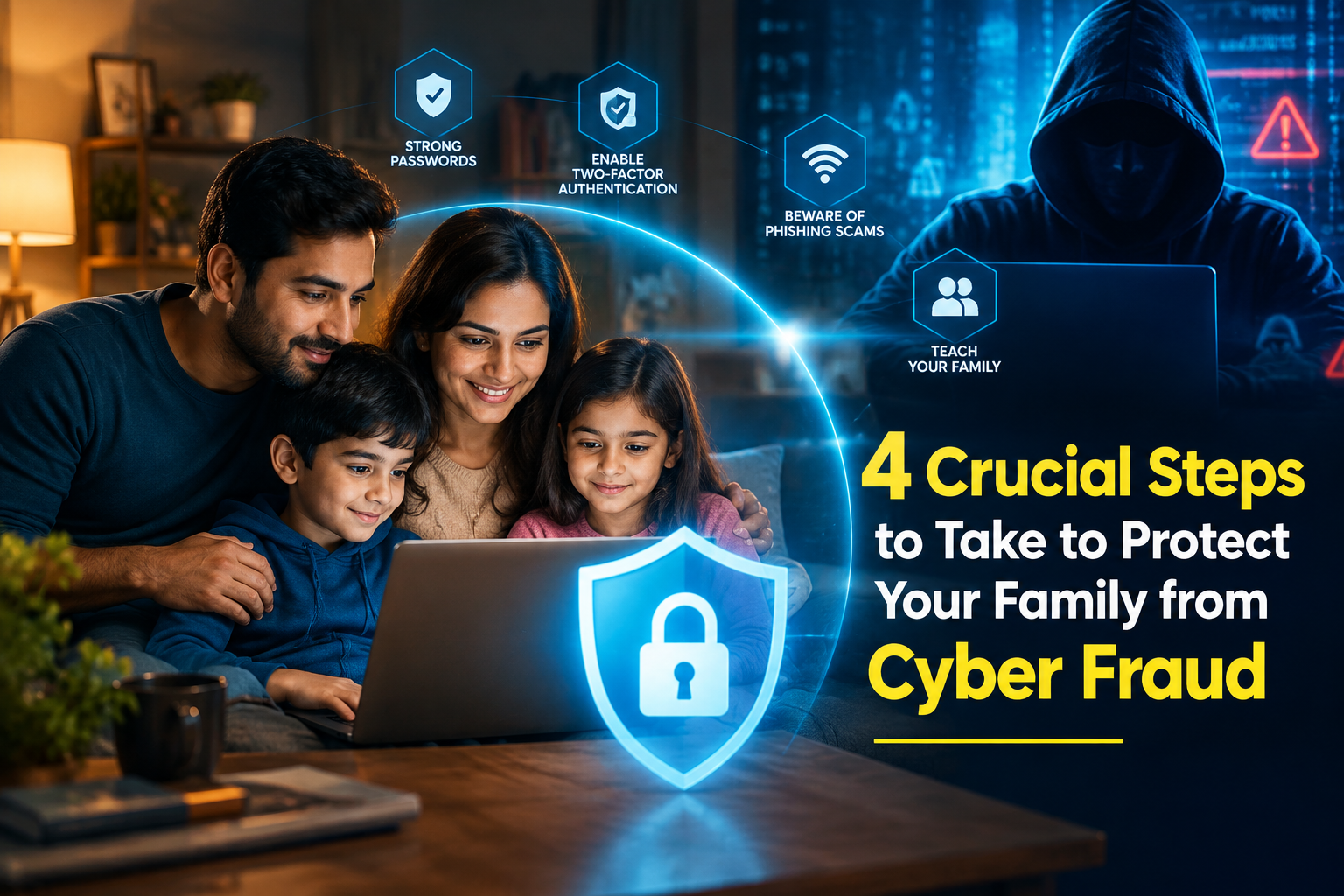
4 Crucial Steps to Take to Protect Your Family from Cyber Fraud
Bring up the topic of online fraud in any family gathering today, and chances are someone will have a story to share. Maybe a relative received a suspicious bank call, a friend clicked on a fake link, or someone in the family almost fell for a message promising an attractive reward.
This has become a reality of our increasingly digital lives. From online shopping and banking to digital payments and instant money transfers, technology has made everyday activities more convenient. At the same time, fraudsters are finding new ways to take advantage of people's trust and lack of awareness.
The good news is that awareness can make a real difference. By understanding common fraud techniques, recognizing warning signs, and encouraging safer digital habits within the family, we can significantly reduce the risk of becoming victims.
Here are four crucial steps you can take to protect your family from cyber fraud.
1. Understand the Threat
The first step toward protecting your family is understanding how cyber fraud actually happens.
Digital fraud can take many forms, including phishing, identity theft, fake applications, malware, social engineering, and payment scams. Fraudsters often use seemingly genuine phone calls, text messages, emails, social media messages, and websites to convince people to reveal sensitive information or transfer money.
For example, a scammer may pretend to be a bank representative and claim that your account needs immediate verification. Another fraudster may send a message saying that you have won cashback or a reward and ask you to click a link.
These scams work because they are designed to create trust, fear, excitement, or urgency.
Talk to your family about these tactics. Make sure everyone understands that scammers don't always look suspicious. They may use professional language, familiar logos, fake customer-care numbers, or information gathered from social media to make their story sound believable.
The more your family understands how scammers operate, the easier it becomes to recognize a suspicious situation before it turns into a financial loss.
2. Learn to Spot Common Scams
Some fraud techniques have been around for years, while others continue to evolve with new technology. However, many scams still begin with an unexpected phone call, text message, email, social media message, or payment request.
Encourage everyone in your family to develop a healthy level of skepticism toward unexpected communications.
Here are some common warning signs to watch for:
Urgency or Threats
Scammers often try to create panic.
They may tell you that your bank account will be blocked, your SIM card will stop working, your KYC has expired, or legal action will be taken unless you act immediately.
Don't let urgency force you into making a quick decision. Stop and verify the information through an official channel.
Requests for Sensitive Information
Never share confidential information such as:
OTPs
UPI PINs
ATM or debit card PINs
CVV numbers
Banking passwords
Internet banking credentials
Account recovery codes
A genuine bank, payment service, or other legitimate organization should not ask you to reveal confidential authentication details over a phone call or chat.
Suspicious Links
Be careful when someone sends you a link through SMS, email, WhatsApp, Telegram, or another messaging platform.
A link may look legitimate while actually leading to a fake website designed to steal your information.
Before clicking, check the website address carefully. When in doubt, open the official app or type the organization's website address yourself instead of following an unknown link.
Fake Bank or Police Calls
Fraudsters may impersonate police officers, bank officials, government representatives, or other authorities.
They may threaten arrest, account suspension, penalties, or legal action and then demand money to resolve the issue.
Don't transfer money simply because someone claims to be an official. End the call and verify the matter through an official contact number or website.
Fake Customer-Care Numbers
One common scam involves fake customer-support numbers found through search engines, social media, or random websites.
Scammers may pretend to help you with a failed transaction, refund, account issue, or payment problem and then ask for sensitive information or remote access to your device.
Always use customer-support information from the company's official website or application.
Unexpected Doorstep Requests
Fraud doesn't always happen online.
Someone may arrive at your home claiming to represent a bank, telecom company, delivery service, insurance provider, or another organization.
Don't feel pressured to provide personal documents, account details, OTPs, or payments at the doorstep. If you need the service, verify the person's identity independently and contact the organization through its official channel.
3. Secure Your Accounts and Devices
Good digital security isn't just about identifying scams. It also means making your accounts and devices harder for fraudsters to compromise.
Use Strong and Unique Passwords
Avoid using the same password for multiple accounts.
Create strong passwords using a combination of letters, numbers, and symbols. For important accounts, consider using a trusted password manager to create and store unique passwords.
Enable Multi-Factor Authentication
Whenever available, enable Multi-Factor Authentication (MFA) on important accounts.
MFA provides an additional layer of security by requiring another form of verification along with your password.
Even if someone manages to obtain your password, an additional authentication step can make unauthorized access more difficult.
Keep Your Phone and Apps Updated
Don't ignore software updates.
Updates often contain important security fixes that protect devices against known vulnerabilities. Keep your smartphone's operating system, browsers, banking applications, and other important apps updated.
Download Apps from Trusted Sources
Avoid installing APK files or applications sent through unknown links.
Fraudsters may disguise malicious applications as banking apps, payment applications, rewards programs, games, or customer-support tools.
Download applications from trusted official app stores and check the developer and permissions before installing them.
Review App Permissions
Regularly check which applications have access to your SMS messages, files, photos, contacts, microphone, camera, and other sensitive features.
If an unfamiliar application has unnecessary permissions, investigate it and remove permissions where appropriate.
Back Up Important Data
Keep regular backups of important photographs, documents, and other files.
You can use a trusted cloud service or an external storage device. Regular backups can help protect your important information if your device is lost, damaged, compromised, or affected by malware.
Use Security and Malware Protection
Keep your device's built-in security features enabled and use reputable security software where appropriate.
If you suspect that your phone has been compromised, avoid using it for sensitive banking or payment activities until you have secured the device.
If you believe your financial information has been compromised, contact your bank and relevant payment service provider immediately.
4. Empower the Next Generation
Children are growing up in a highly connected digital world. They use smartphones, social media, gaming platforms, messaging apps, and online services from an early age.
Teaching them about online safety is therefore just as important as protecting their own accounts.
Make online safety a regular family conversation.
Teach Them About Privacy
Explain why children should avoid sharing personal information with strangers online.
This includes their full name, address, school details, phone number, passwords, photographs, or other information that could be misused.
Use Parental Controls
Parental controls can help parents manage age-appropriate content, restrict certain websites or applications, and establish healthy screen-time boundaries.
However, technology should support conversations—not replace them.
Encourage Open Communication
Children should feel comfortable telling parents or another trusted adult when something online makes them uncomfortable.
If a child receives a strange message, encounters inappropriate content, or clicks on something suspicious, they should know that they can ask for help without being blamed.
Empower, Don't Simply Restrict
Instead of only telling children what they cannot do online, help them understand why certain activities can be risky.
Teach them how to identify suspicious profiles, fake offers, phishing messages, and inappropriate requests.
The goal is to help children become responsible and confident digital users.
Create a Family Code Word
With AI-powered scams becoming increasingly convincing, families can consider having a simple private family code word or phrase.
For example, if someone receives a call claiming to be a family member and urgently asking for money, they can ask for the agreed code word before taking action.
This can provide an additional layer of protection against impersonation and voice-based scams.
What to Do If You Suspect Fraud
Even with careful precautions, mistakes can happen. The most important thing is to act quickly if you believe you or a family member has been targeted.
If money has been transferred fraudulently, contact your bank or relevant payment service provider immediately.
In India, financial cyber fraud can also be reported through the National Cyber Crime Reporting Portal or by calling 1930.
If you have installed a suspicious application, disconnect the device from the internet where appropriate, remove the suspicious app, review its permissions, and secure important accounts.
Don't wait or feel embarrassed about reporting a scam. Quick action can be important when dealing with financial fraud.
How to Report Cyber Fraud
If you suspect that you or a family member has been targeted, report the incident as soon as possible.
Reporting a UPIPe-Related Issue
If you encounter a suspicious transaction or security issue while using UPIPe, use the platform's available Help or Support facility to report the issue and raise a complaint.
When reporting an incident, provide the relevant transaction or communication details requested by the support team.
Remember that reporting an issue does not require you to disclose your OTP, UPI PIN, password, or other confidential authentication information to another person.
Reporting to Cybercrime Authorities
For financial cyber fraud in India:
Report the incident through the National Cyber Crime Reporting Portal.
Call 1930 for the cybercrime helpline.
Inform your bank or financial institution immediately if an unauthorized transaction has occurred.
For suspicious calls or messages, use the Chakshu facility available through the Sanchar Saathi portal.
Building a Culture of Digital Safety
Protecting your family from cyber fraud isn't about being afraid of technology. It's about learning how to use it responsibly.
Fraudsters often depend on people acting quickly without checking the facts. A simple habit of stopping, verifying, and asking questions can prevent many scams.
Talk to your parents about suspicious calls. Teach children not to trust strangers online. Help older family members recognize fake customer-care calls. Make sure everyone understands why OTPs, passwords, and UPI PINs must remain private.
Most importantly, make digital safety a family habit rather than a one-time conversation.
Technology will continue to evolve, and so will the tactics used by scammers. But a family that stays informed, communicates openly, and follows basic security practices is better prepared to deal with whatever comes next.
Stop before you click. Verify before you pay. Never share confidential information. And when something doesn't feel right, ask before you act.
A few seconds of caution today can help protect your family's money, identity, and digital future tomorrow.